SubSaver
Start free

Track your subscriptions and get a reminder before you pay.

SubSaver finds the subscriptions in your inbox, shows what they cost, and reminds you before a renewal or a free trial ends.

  • Read-only access
  • No bank login needed
  • Free plan, no card needed
  • Gmail
  • Outlook
  • iCloud
  • Yahoo
Your inboxRead-only accessExample
  • Netflixinfo@account.netflix.com€13.99
  • Spotifyno-reply@spotify.com€10.99
  • Dropboxno-reply@dropbox.com€11.99
  • Duolingohello@duolingo.com€9.99
4 subscriptions found€46.96 a month

Detects services like

  • Netflix
  • Spotify
  • YouTube Premium
  • iCloud+
  • Max
  • Duolingo
  • Dropbox
  • The New York Times
  • Audible
  • Strava

Streaming, software, phone and internet, insurance, gym, energy, domains and more.

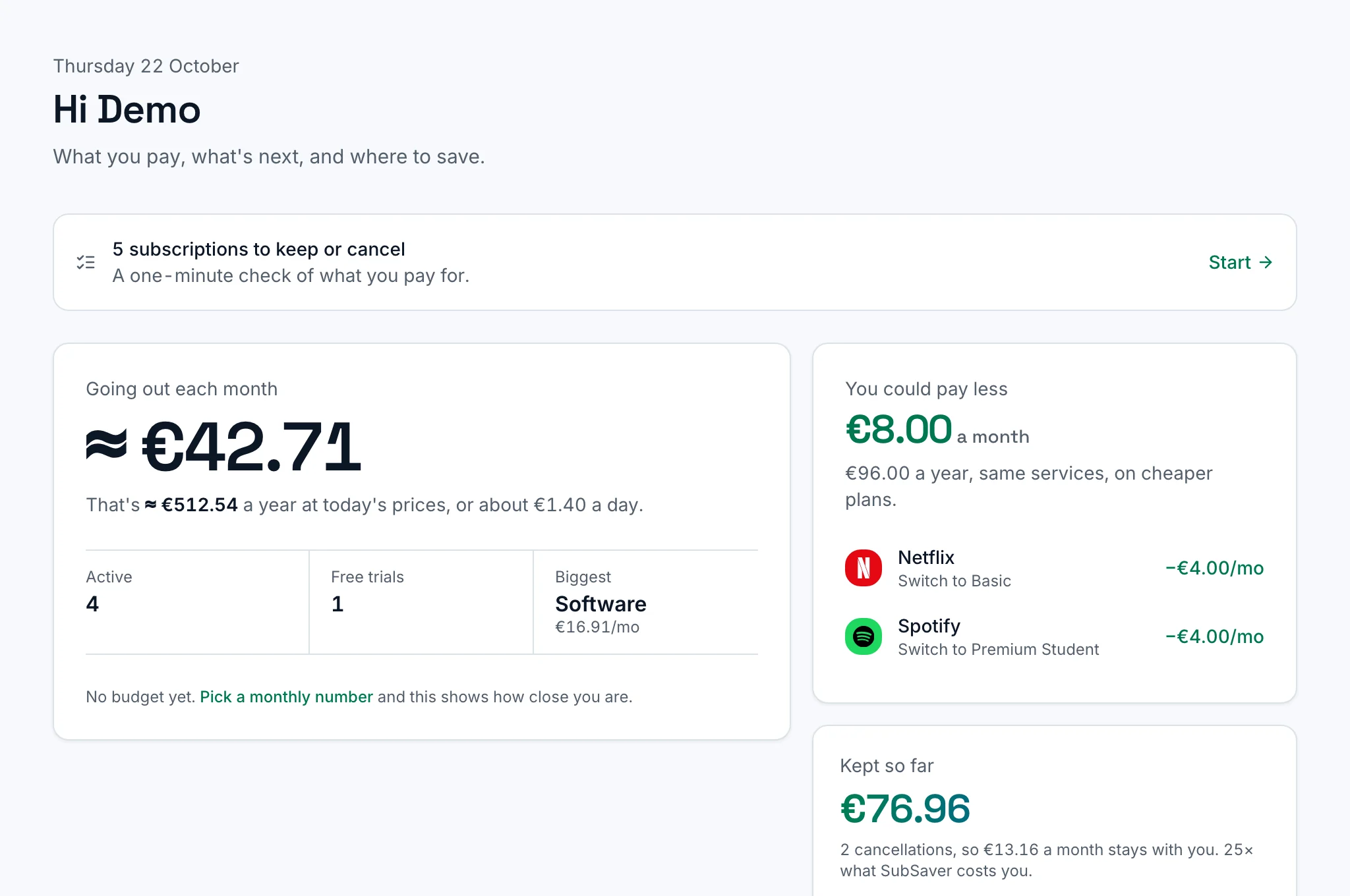
The SubSaver overview: what goes out each month, active subscriptions and free trials, and where you could pay less.

What SubSaver does

Every subscription in one list

Connect your inbox with read-only access. SubSaver reads receipts, invoices and renewal notices, and lists each service with its price, billing cycle and next charge. You can add anything else by hand.
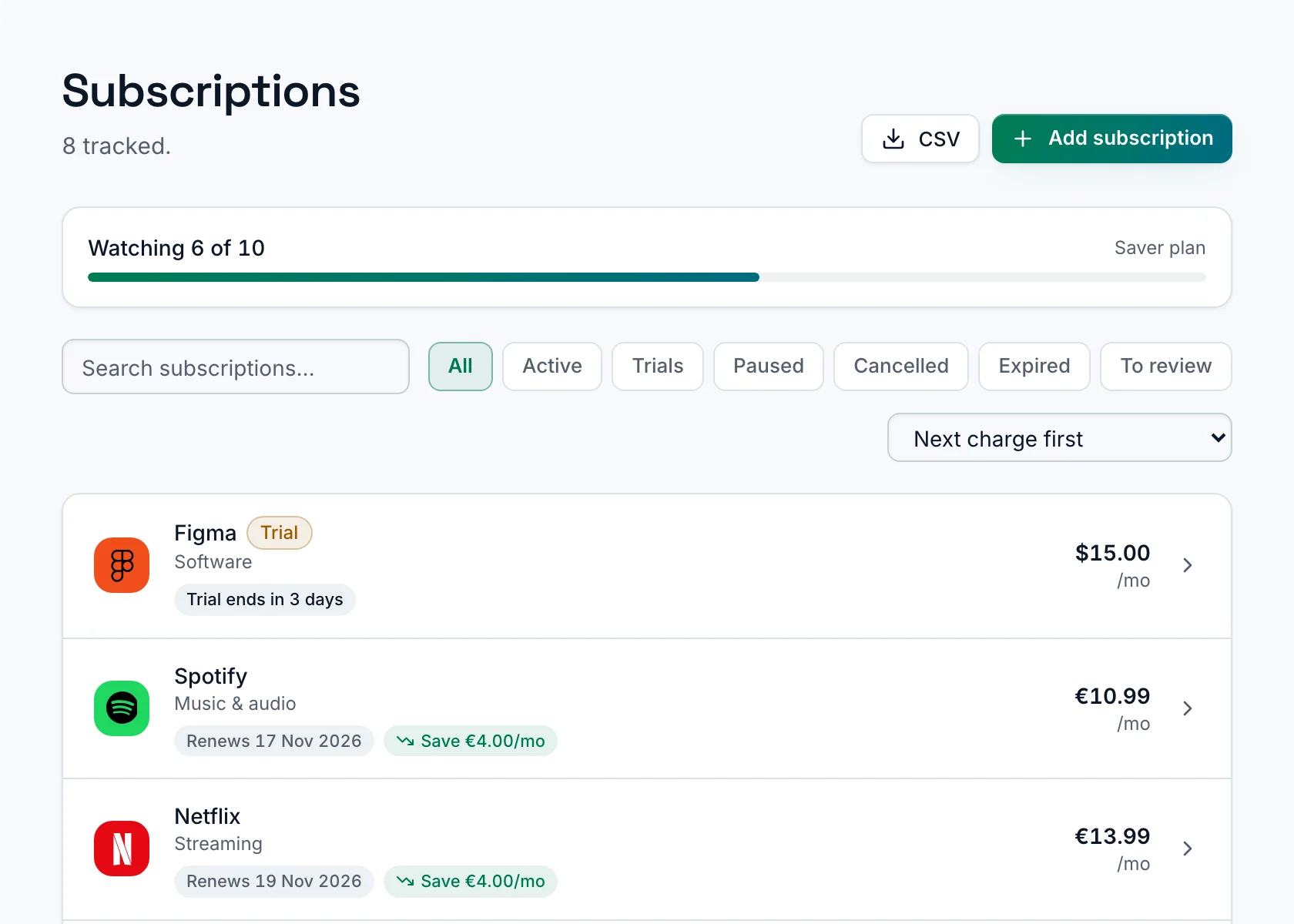
The subscription list in SubSaver, with each service's price and next charge.

A reminder before each charge

SubSaver emails you before a subscription renews or a free trial ends, so you can decide in time whether to keep it. Paid plans can also send push notifications.
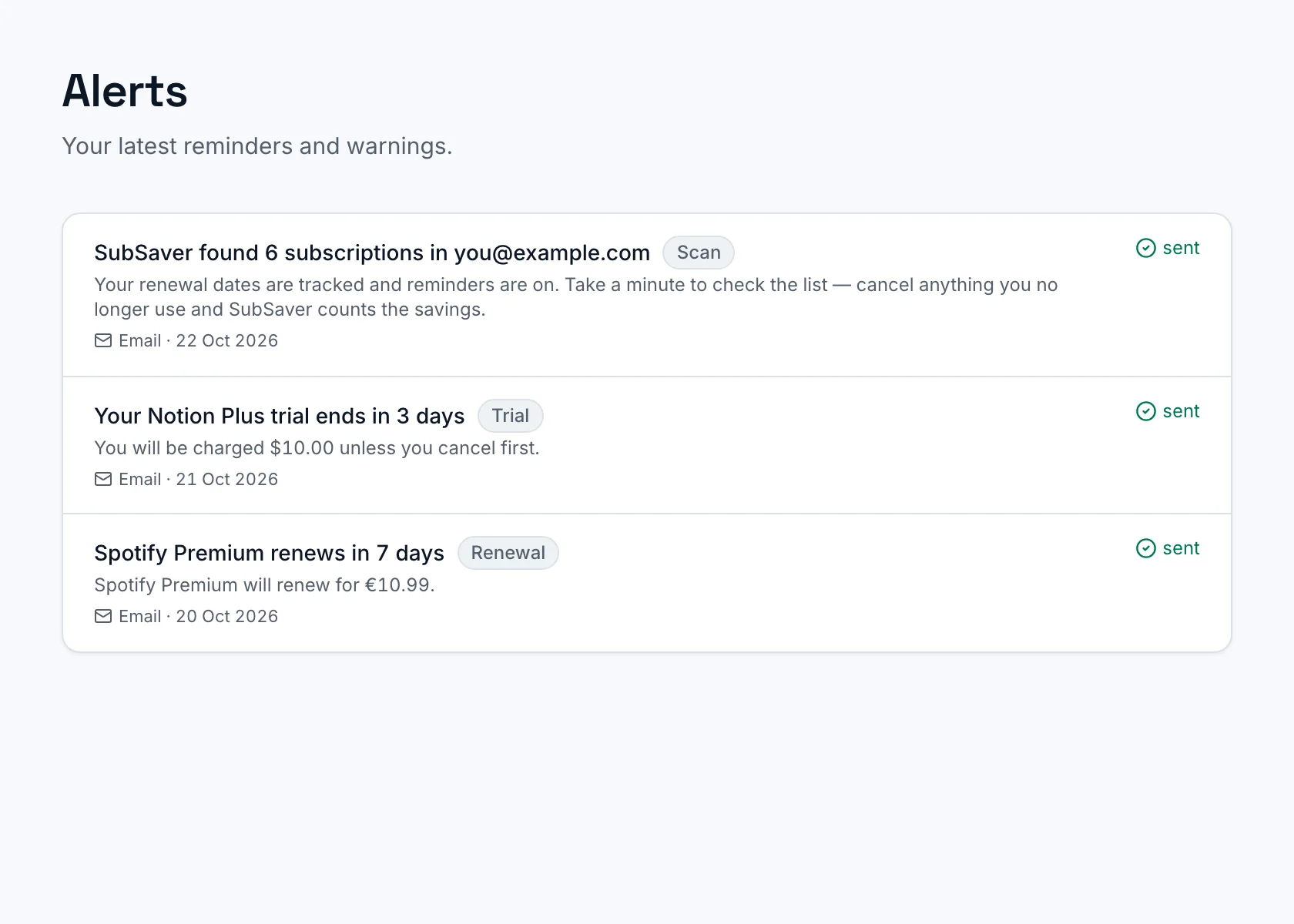
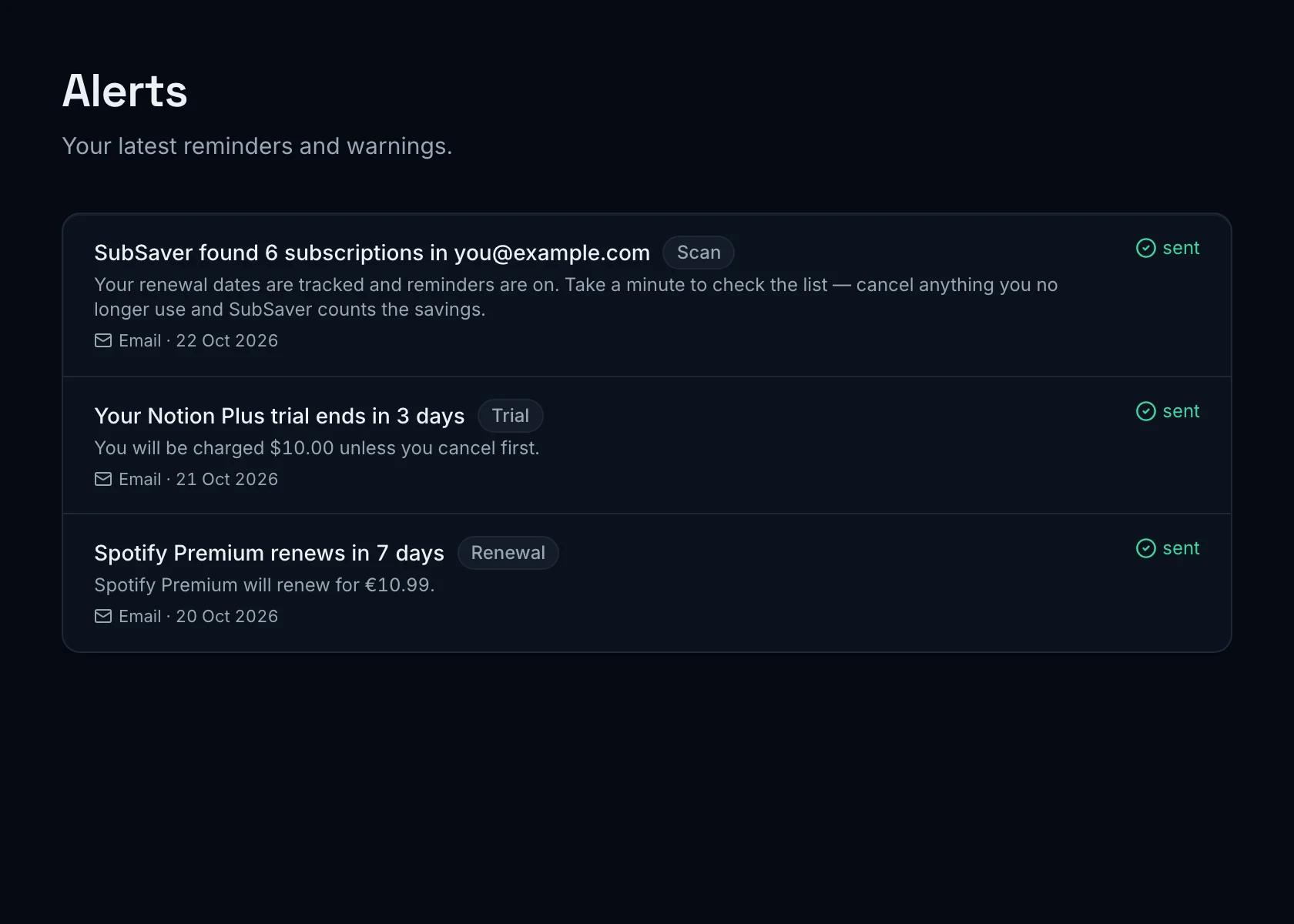
Alerts in SubSaver: reminders sent before a free trial ends and before a subscription renews.

Price rises and cheaper plans

For services with a known price list, SubSaver compares what you pay with the current prices, flags price rises and shows when a cheaper plan exists. You change the plan in your own account.
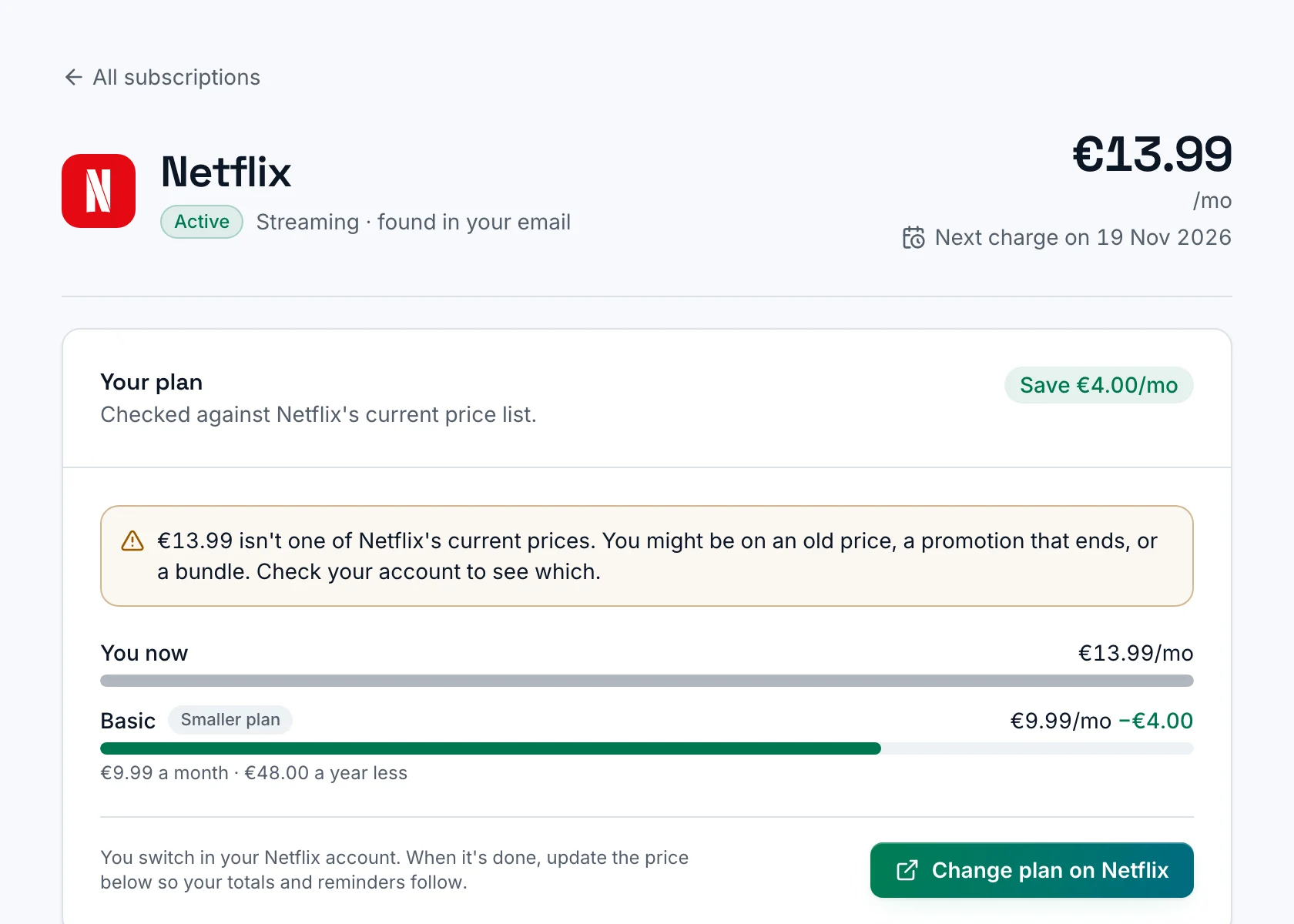
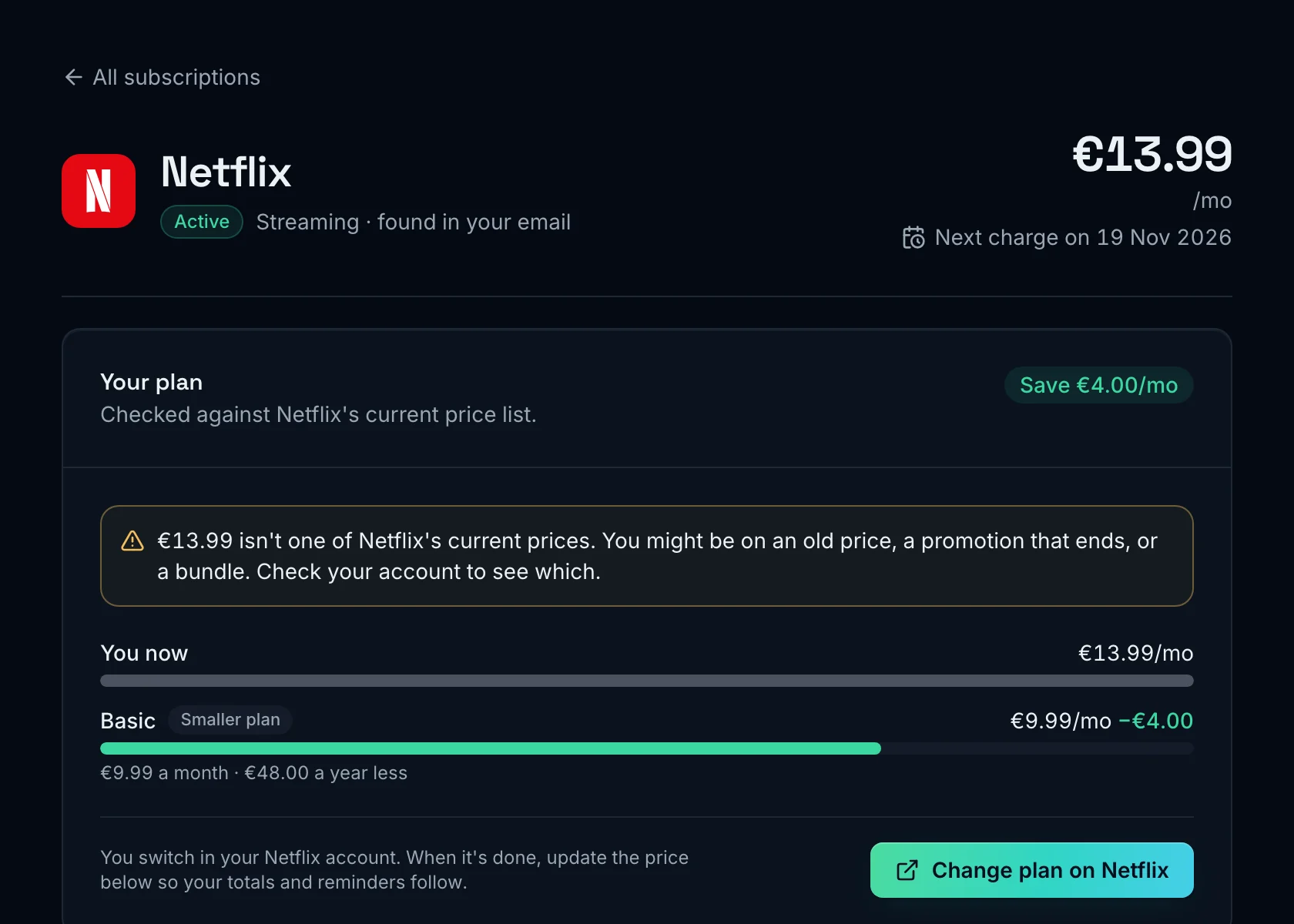
A subscription's page in SubSaver, with its price, the next charge date and a cheaper plan from the service's price list.

What you spend and what you have saved

See your monthly and yearly total, your spend by category and currency, and how much your cancellations have saved so far.
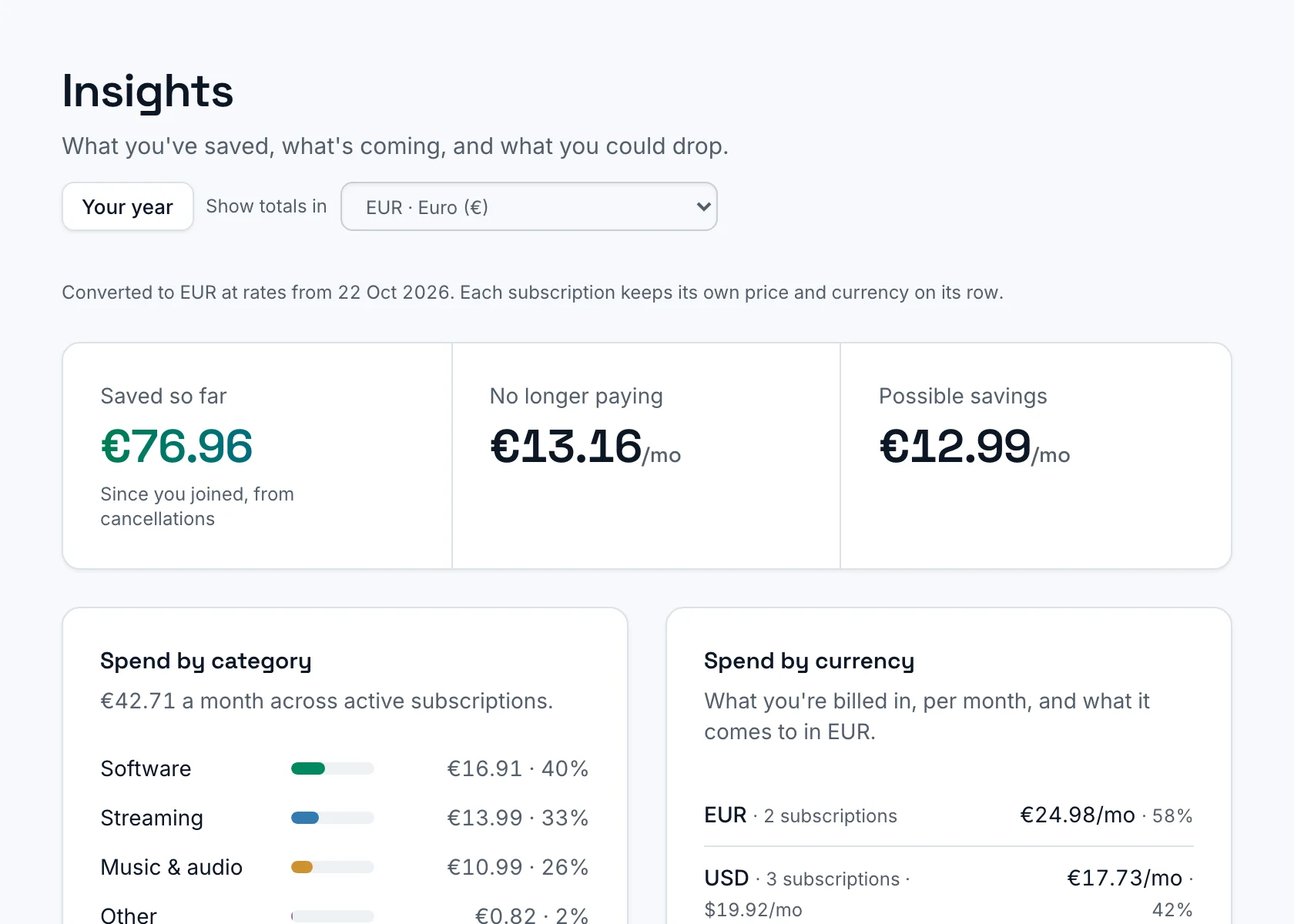
SubSaver insights: money saved from cancellations, and monthly spend by category and currency.

And everything around it

Charged after cancelling
If a service bills you after you cancelled, SubSaver tells you and shows how to ask for a refund.
Paying twice
Spots a service you already get inside a bundle, the same service paid twice, and two that do the same job.
Free trials before they charge
Trials are picked up from the sign-up email, with a reminder before the first payment.
Cancel guides
Step-by-step guides for 49 services, with a direct link to each service's own cancel page.
Renewals in your calendar
Add a feed of upcoming charges to Google Calendar, Apple Calendar or Outlook.
Your year in subscriptions
A yearly recap of what you paid, what you cancelled and what you saved.
Several inboxes, one list
Connect personal and work addresses to one account, across Gmail, Outlook, iCloud and Yahoo.
Nine languages, every currency
Use SubSaver in nine languages. Each price stays in the currency you pay in.

Why your inbox beats your bank statement

A bank only sees a charge after it happens. Receipts and renewal notices say what you signed up for, when it renews and what it will cost.

  • Finds your subscriptions for you

    SubSaver
    Yes
    Bank-linked apps
    Yes
    Manual trackers
    No
  • No bank login or card details

    SubSaver
    Yes
    Bank-linked apps
    No
    Manual trackers
    Yes
  • Catches free trials before the first charge

    SubSaver
    Yes
    Bank-linked apps
    No
    Manual trackers
    If you add them
  • Knows the plan and next renewal date

    SubSaver
    Yes
    Bank-linked apps
    Guessed from past charges
    Manual trackers
    If you add them
  • Covers PayPal, app stores and every card

    SubSaver
    Yes
    Bank-linked apps
    Linked accounts only
    Manual trackers
    Yes
  • Shows a cheaper plan of the same service

    SubSaver
    Yes
    Bank-linked apps
    No
    Manual trackers
    No

How each kind of app usually works. Individual apps differ.

Privacy and security

What SubSaver can access, what it keeps, and how you stay in control.

  • OAuth 2.0
  • AES-256-GCM
  • Stripe
How we protect your data
Read-only access
Gmail and Outlook connect through Google's and Microsoft's own sign-in with read-only permission. iCloud Mail and Yahoo Mail use an app password that you create and can revoke. SubSaver never sends, deletes or moves email.
Billing emails only
SubSaver looks only at receipts, invoices, and renewal and trial notices. Email text is processed in memory and never stored. It keeps the service, price, dates and the payment method shown on the receipt.
Encrypted tokens
Inbox access tokens and app passwords are encrypted before they are stored, and only our servers use them to talk to your email provider. Payments go through Stripe, so we never see your card.
Disconnect or delete at any time
Disconnect an inbox, export your data, or delete your account and all its data in one step.

Pricing

Start on the free plan. Upgrade when you want SubSaver to watch more subscriptions.

Free

To get started

€0 forever

No card needed

  • Watch up to 2 subscriptions
  • 1 connected inbox
  • Email reminders
  • 2 months of price history
Start free

Starter

For a few subscriptions

€10 /year

That's €0.83/month

  • Watch up to 5 subscriptions
  • 1 connected inbox
  • Email + push reminders
  • 6 months of price history
Start free

Paid plans open soon. Start on Free today.

Saver

Recommended

For most people

€30 /year

That's €2.50/month

  • Watch up to 10 subscriptions
  • 2 connected inboxes
  • Email + push reminders
  • 12 months of price history
Start free

Paid plans open soon. Start on Free today.

Max

For many subscriptions and inboxes

€50 /year

That's €4.17/month

  • Watch up to 20 subscriptions
  • 5 connected inboxes
  • Email + push reminders
  • 36 months of price history
  • Priority support
Start free

Paid plans open soon. Start on Free today.

Prices include VAT where applicable.

Frequently asked questions

Cancel guides
Can SubSaver read all my email?

No. Access is read-only. SubSaver only reads the full text of emails that look like bills, such as receipts and renewal notices. It keeps just the service, price, dates and the payment method shown on the receipt (such as “Visa ••4242”), never the emails themselves. It never sends, deletes or moves anything.

How is SubSaver different from bank-linked apps and manual trackers?

Bank-linked apps need your bank login and only see a charge once it has happened, so a free trial shows up after you've paid. Manual trackers only know what you type in. SubSaver reads the receipts and renewal notices in your inbox, so it knows the plan, the price and the next renewal date, including free trials and payments through PayPal or the app stores, without any access to your bank.

Do I have to connect my inbox?

No. You can add subscriptions by hand and still get reminders.

Do I need a separate account for each email address?

No. Connect several inboxes to one SubSaver account, and mix Gmail, Outlook, iCloud and Yahoo. Everything shows up in one list. How many inboxes you can connect depends on your plan.

Which email providers work?

Gmail (including Google Workspace), Outlook and Microsoft 365, iCloud Mail and Yahoo Mail.

Will SubSaver cancel things for me?

No. We take you straight to the service's own cancel page, and we never ask for your logins to other services. Your email password stays with you too: Gmail and Outlook connect through Google's or Microsoft's own sign-in, and iCloud and Yahoo use an app password that you create and can revoke any time.

How do I cancel SubSaver?

Any time, in Settings → Plan & billing. A paid plan keeps working until the end of the period you've paid for, then moves to the free plan.

See what your subscriptions cost

Free for 2 subscriptions. No card needed.

Start free
  • Gmail
  • Outlook
  • iCloud
  • Yahoo